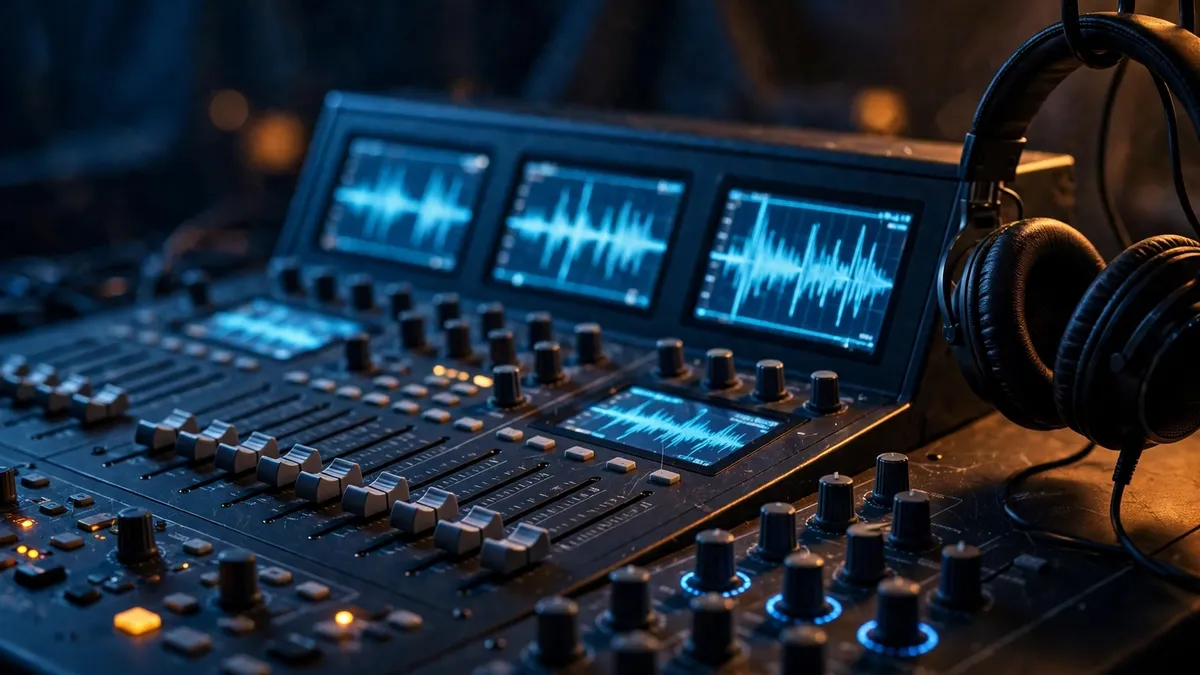
Main image: AI illustration.
The mix sounded great in the studio, and the export finished in seconds. Then the upload stalled at 40 percent, because the file was 600 megabytes, about an hour of uncompressed WAV (Wikipedia, 2026).
MP3 is for delivery, WAV is for recording and editing, and FLAC is for archiving. Pick the format for the job, not for the habit, and the file sizes stop fighting you.
Summary
- MP3 is lossy and small; WAV is uncompressed and large; FLAC is lossless and in between.
- A 3-minute song is about 7 MB as 320 kbps MP3, 15–21 MB as FLAC, and 30 MB as WAV (Wikipedia, 2026; Xiph.org, 2026).
- Converting an MP3 to WAV or FLAC makes a bigger file, not a better sound.
- Record and edit in WAV, archive in FLAC, and deliver in MP3.
What is the difference between lossy and lossless?
Lossy formats throw sound away, and lossless formats keep it all. MP3 is lossy; WAV and FLAC are lossless.
Psychoacoustic tricks let MP3 remove sounds your ear barely notices, then store what is left. Higher bitrates keep more of the original, which is why 320 kbps sounds better than 128 kbps (Wikipedia, 2026).
WAV stores every sample exactly as recorded, with no compression at all. FLAC compresses the same samples like a ZIP file, then restores them bit for bit on playback.
That difference is why WAV files are huge, FLAC files are half the size, and MP3 files are tiny. Nothing about the sound changes in FLAC; only the storage changes.
How big is each format, really?
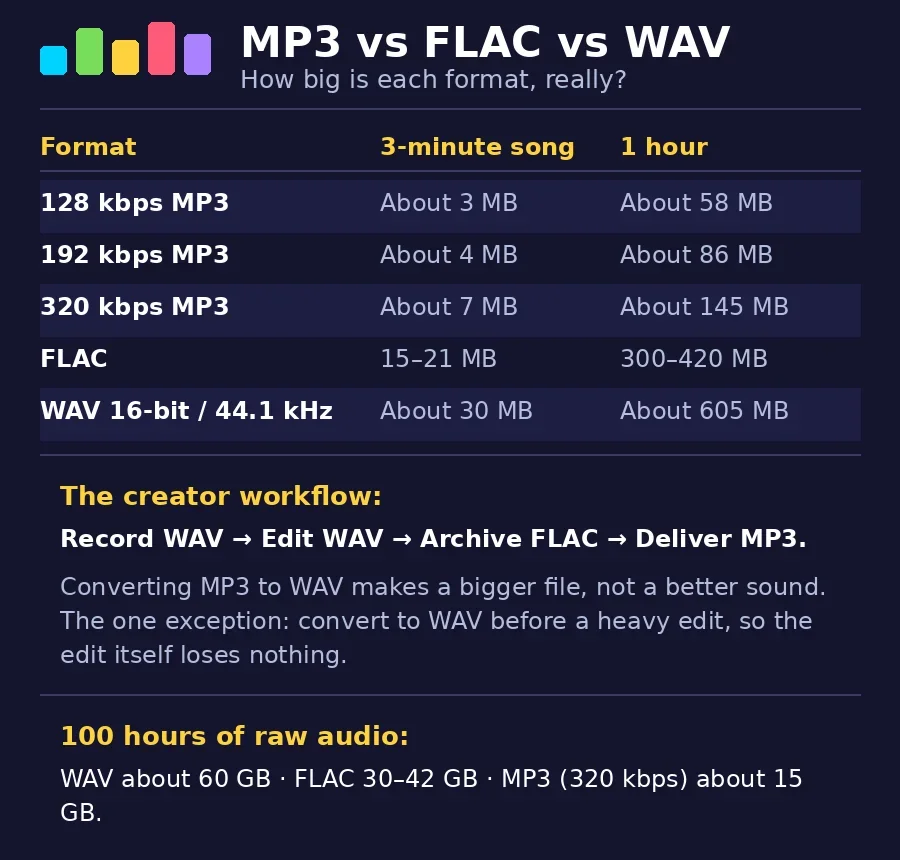
File size follows one rule: bitrate times length. A 3-minute song makes the math easy to see.
Sizes below are arithmetic from the standard bitrates (Wikipedia, 2026; Xiph.org, 2026).
| Format | 3-minute song | 1 hour | Quality |
|---|---|---|---|
| 128 kbps MP3 | About 3 MB | About 58 MB | Lossy |
| 192 kbps MP3 | About 4 MB | About 86 MB | Lossy |
| 320 kbps MP3 | About 7 MB | About 145 MB | Lossy |
| FLAC | 15–21 MB | 300–420 MB | Lossless |
| WAV 16-bit/44.1 kHz | About 30 MB | About 605 MB | Uncompressed |
An hour of WAV fills more than four hours of 320 kbps MP3, as the table shows. That gap is why nobody archives a podcast in WAV, and nobody masters an album in 128 kbps MP3.
Streaming adds a different kind of size: a 3-minute song streams at the same bitrate, so a 320 kbps stream uses about 7 MB. Listeners on mobile data notice that, which is why most platforms stream closer to 128 or 192 kbps.
Can you hear the difference?
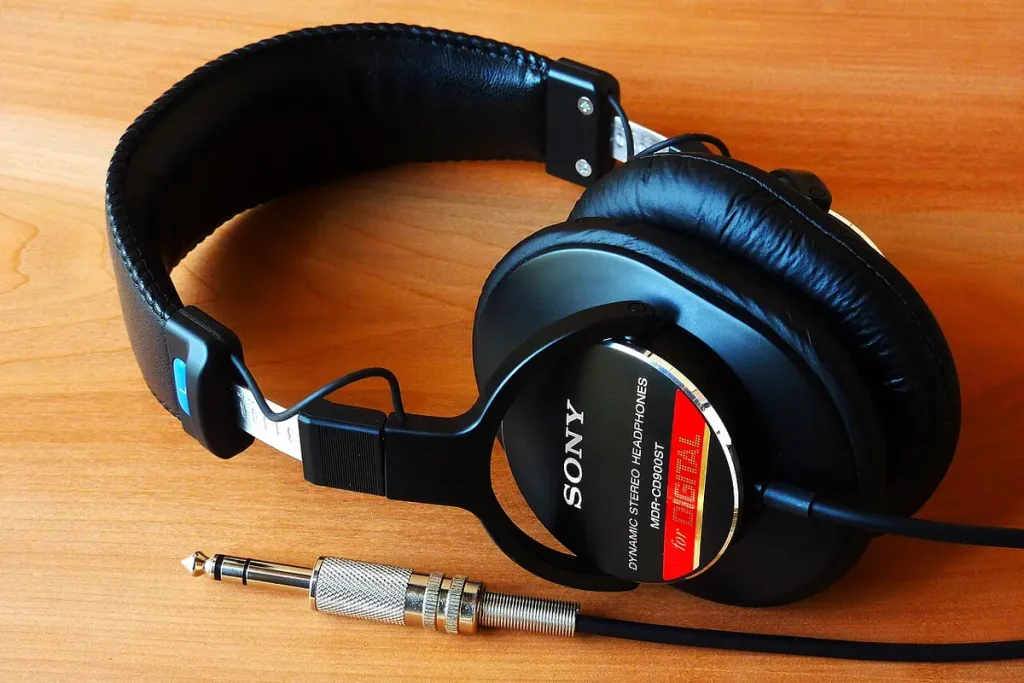
Most listeners cannot tell 320 kbps MP3 from FLAC on ordinary headphones. The difference shows up in the studio, on good monitors, and after heavy editing.
Editing is where lossless earns its keep, because every edit of an MP3 throws away a little more. A WAV master survives ten edits unchanged, while an MP3 re-saved ten times slowly degrades.
CD quality gives 16-bit depth and a 44.1 kHz sample rate (Wikipedia, 2026), which covers the full range of human hearing. Human hearing tops out near 20 kHz, so higher sample rates buy headroom for editing, not new sounds.
If you cannot hear a difference on your own gear, that is normal, not a failure of your ears. Upgrade your headphones before you blame the format, because cheap gear hides more than any codec does.
What sample rate and bit depth should I record at?
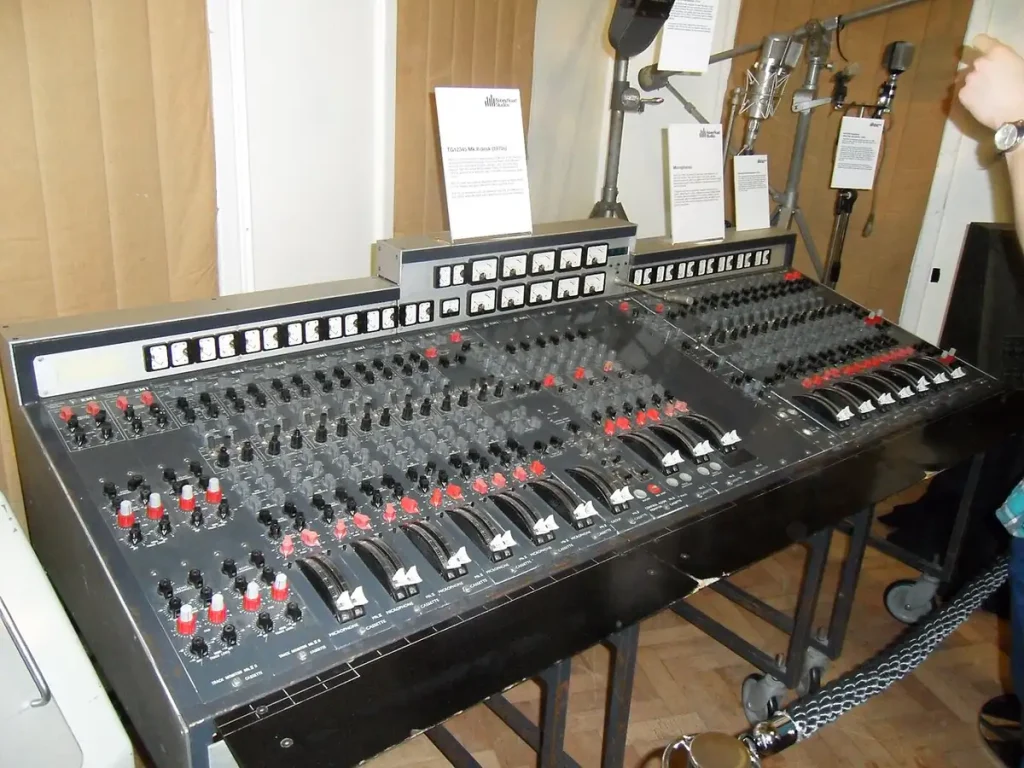
For video work, record at 48 kHz and 24-bit; for music alone, 44.1 kHz and 16-bit is enough (Wikipedia, 2026). Video runs at 48 kHz by convention, so recording at the same rate avoids a conversion step.
Bit depth matters more than sample rate, because it sets how much headroom your edits have. With 24-bit depth, a loud take stays usable; with 16-bit, the same take clips sooner.
When in doubt, record at the highest quality your storage allows, and decide the delivery format later. You can always shrink a good recording, but you can never grow a poor one.
Which format works where?
Every device, every app, and every platform plays MP3 without a second thought. Universality is why MP3 remains the delivery format, even in 2026.
WAV plays almost everywhere too, but its size makes it a poor choice for sharing. FLAC plays on most modern players, yet a few apps still refuse it, so check before you send one.
Royalty-free libraries usually offer MP3 downloads, and some offer WAV or FLAC for paying customers.
Download the format your project needs, not the format the button defaults to. Grabbing a WAV download of a track you only need as MP3 wastes storage for nothing.
What about AAC, ALAC, and Opus?
AAC is the modern successor to MP3, and it sounds better at the same bitrate. YouTube and most phones already use AAC, so your listeners meet it daily.
ALAC is Apple’s lossless format, and it matches FLAC on quality while fitting Apple devices better. Use ALAC when your whole workflow lives on Apple gear, and FLAC everywhere else.
Opus is an open format built for speech and streaming, and it beats MP3 at low bitrates. Podcasters who stream live often meet Opus first, because platforms use it for voice.
Does converting MP3 to WAV improve quality?
No. Once MP3 removes data, no converter can bring it back.
Converting only makes a bigger file with the same sound, which fools nobody and helps nobody. Going the other way works fine: converting WAV or FLAC to MP3 keeps the quality MP3 allows.
One exception exists: converting to WAV before a heavy edit avoids re-encoding losses during the edit itself. Sound quality still cannot improve, but it stops getting worse while you work.
What workflow should a creator use?
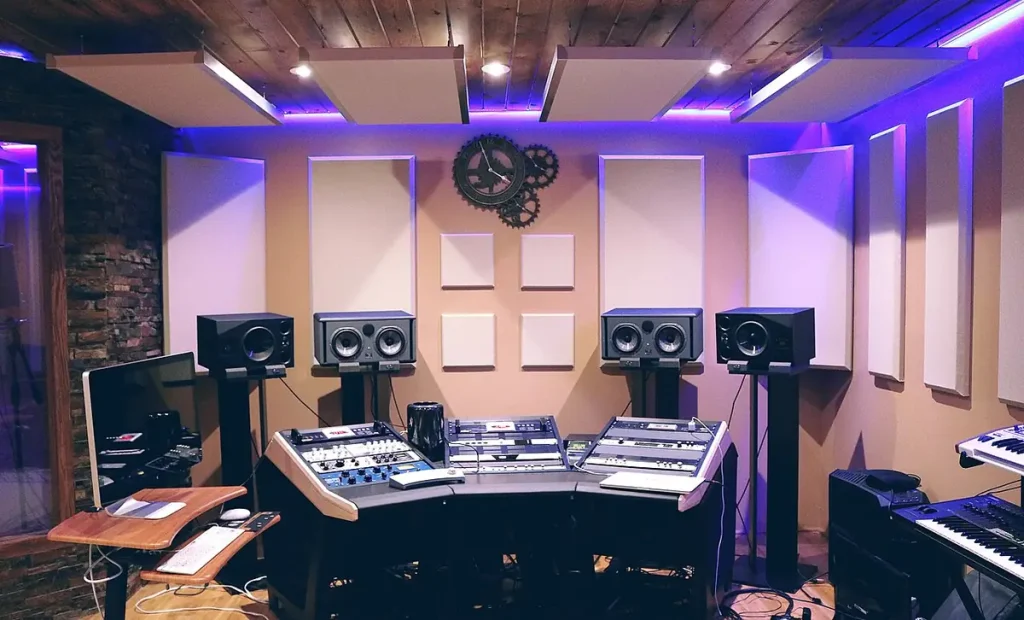
Record in WAV, edit in WAV, archive in FLAC, and deliver in MP3. Four formats sound like overkill until a client asks for the master a year later.
Bitrates below follow the standard figures (Wikipedia, 2026).
- Record and edit in WAV, so every cut keeps full quality.
- Export a WAV master and store it with the project files.
- Archive finished work in FLAC to save half the space.
- Deliver MP3 at 320 kbps for video, podcast, and streaming.
Keep the WAV master even when the client only asked for MP3. Storage is cheap, and re-recording a lost master is not.
Name your files so the format is obvious: song-master.wav, song-archive.flac, song-final.mp3. Clear names stop you from uploading the master when you meant the delivery file.
One hundred hours of raw audio takes about 60 GB in WAV, 30 to 42 GB in FLAC, and 15 GB as 320 kbps MP3. Your hard drive feels that math, not your ears.
Fit the format to the job in front of you, and the file sizes stop fighting you. Your listeners hear the mix, not the extension.
Methodology
This comparison was written from standard audio references for WAV, FLAC, and MP3, including bitrate and file-size figures checked in November 2026. Every figure was calculated from the bitrate, not copied from a random chart.
No listening test was run for this article, and no format was ranked by sound alone. File sizes are approximate, because encoders and metadata add small differences.
This article was written by a human author with AI assistance for drafting and checking; every fact was verified against the sources listed below.
Frequently asked questions
Is FLAC really as good as WAV?
Yes.
On playback, FLAC restores the exact samples, bit for bit, so the sound is identical. Storage is the only difference: FLAC takes about half the space.
What bitrate should I use for MP3?
Use 320 kbps for anything public, and 192 kbps when size matters more than polish, as the table above shows. Avoid 128 kbps for music, because the loss is audible on good headphones.
Can I upload FLAC to YouTube?
YouTube only accepts video files, so an audio-only FLAC can’t be uploaded as a video. Render it as a video first, for example an MP4 with a still image, and upload it, using WAV or FLAC as the audio source.
Does WAV sound better than FLAC?
Both are lossless, so they sound identical on the same playback system. Choose FLAC when space matters, and WAV when compatibility matters.
Which format should I use for a podcast?
Record and edit in WAV, then publish in MP3 at 192 kbps or higher, as in the table above. Archive the finished episode in FLAC, so you keep a lossless copy without WAV’s size.